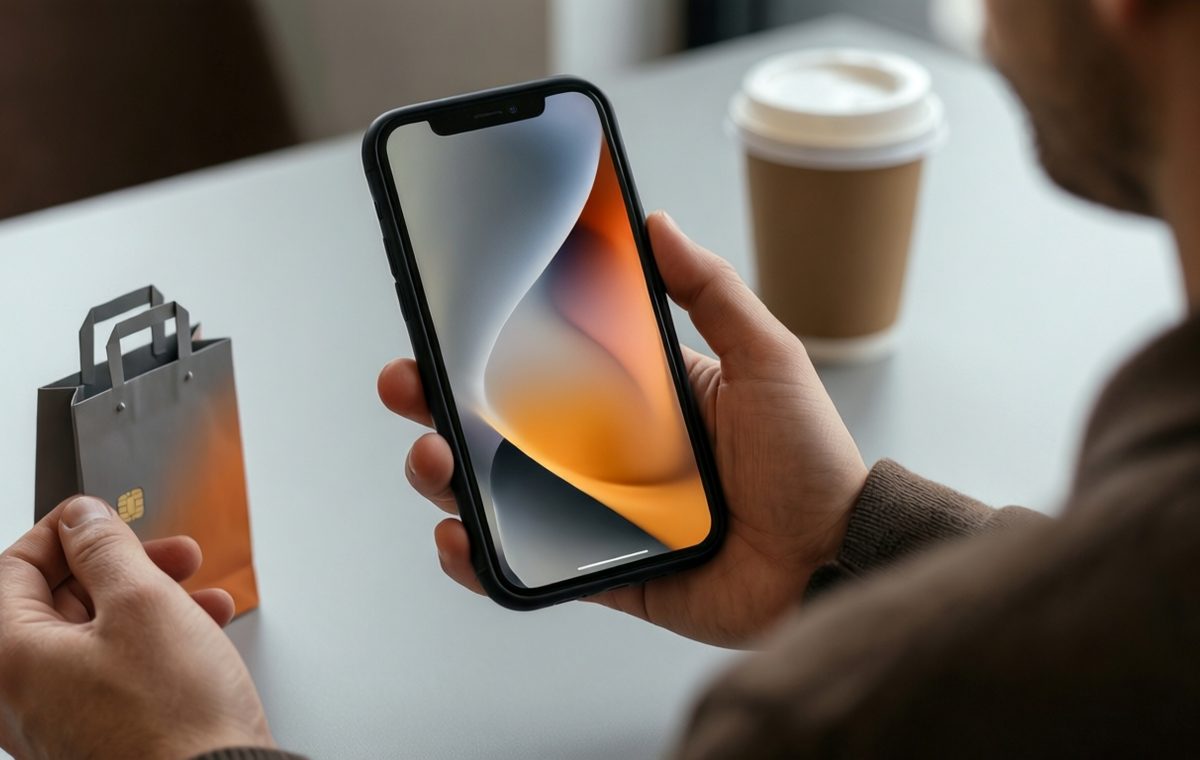
Summary of Pixel 11 deal: Save up to $175 with Google Play Points, plus free wallpapers
- Google Play Points members can save up to $175 on the Pixel 11 series and $60 on the Pixel Watch 5.
- The discount varies by user and appears as a Level Perk inside the Play Store app.
- The new Pixel 11 wallpapers are neutral-tone ripple patterns available in high-resolution JPEG.
- You can download and set the wallpapers on any Android phone or iPhone for free.
- The Play Points discount can be stacked with trade-in offers but not with other promo codes.
Pixel 11 discount up to $175: What you need to know
Google just launched the Pixel 11 series, and if you missed the early discount codes sent out ahead of the announcement, do not worry. There is another way to save real cash — as much as $175 — on the new lineup. The offer comes through Google's own Play Points program, and it works on phones and the Pixel Watch 5. In this piece, we explain exactly how to grab the discount and also show you how to bring the Pixel 11's clean, nature-inspired wallpapers to your current device, whether you are using Android or an iPhone.
How to find and claim the Play Points deal
What this means for Pixel 11 deal
The Pixel 11 series is here, and prices can be steep at launch. But Google has a hidden perk for members of its Play Points program. Instead of hoping for a code to show up in your email, you can find this deal inside the Play Store app. The discount amount varies by user, but the top saving reaches $175. Here is the breakdown we have seen on one account:
- Pixel 11: $125 off
- Pixel 11 Pro and Pixel 11 Pro XL: $125 off
- Pixel 11 Pro Fold: $175 off
- Pixel Watch 5: $60 off
The discounts are listed as a “Level Perk” inside the Play Points section. You need to be enrolled in Play Points and have reached a certain level to see the offer. That is also likely why the dollar amount differs between users. Once you claim the discount, you are taken to the Google Store to finish checkout. The code cannot be combined with other promo codes, but it can be stacked with a trade-in or store credit. If you were planning to trade in an older phone anyway, this could be a strong reason to act soon.
Pixel 11 wallpapers: Free download for any phone
If you do not yet own a Pixel 11 but want to give your current screen a fresh look, Google’s new wallpapers are free and easy to install. The Pixel 11 series ships with a set of neutral-tone, ripple-pattern wallpapers that match each color variant of the phone. These are JPEG files, so they will work on almost any phone, tablet, or computer.
The wallpapers come in three sizes depending on the device they were made for:
- Pixel 11: 2,160 x 2,424 pixels
- Pixel 11 Pro XL: 2,688 x 2,992 pixels
- Pixel 11 Pro Fold: 2,650 x 2,208 pixels (for the larger screen)
To get the full-resolution files, head to a Google Drive folder that hosts all the wallpapers. Do not simply right-click or long-press on preview images you see on web pages — those are compressed and will not look as sharp. Download the files directly from the Drive folder, then transfer them to your device using Bluetooth, Quick Share, AirDrop, a USB cable, or a cloud service like Google Drive. Avoid messengers such as Facebook Messenger, which compress images on delivery.
Step-by-step: Apply the wallpaper on Android or iPhone
Once you have the wallpaper file saved on your phone, setting it up takes only a few taps. The steps differ slightly between Android and iOS, but both are straightforward.
How to set a wallpaper on Android:
- Open the Settings app.
- Select Wallpaper & style.
- Tap on More wallpapers.
- Find and select your Pixel 11 wallpaper.
- Customize the way it looks, then hit Set Wallpaper.
- Choose whether you want it on your Home screen, Lock screen, or both.
- Tap Set.
How to set a wallpaper on iPhone:
- Open the Settings app.
- Tap Wallpaper.
- Select Add New Wallpaper.
- Find and choose the Pixel 11 wallpaper you want.
- Adjust the image and settings to your liking, then tap Add.
- Hit Set as Wallpaper Pair.
These steps were tested on a Pixel 8a running Android 16 and an iPhone 17 Pro Max running iOS 26.5.2. Your experience may vary depending on your device and software version.
A quick deal and a free style upgrade
If you are on the fence about upgrading, the Play Points discount could tip the scale. The Pixel 11 series brings Google’s latest camera and AI features, and saving $125 to $175 makes the jump more comfortable. Even if you are not ready to buy, the wallpapers let you borrow the look of the new hardware without spending a dime. They are clean, timeless, and work on any phone you already own.
For more ways to compare the latest models and find the right fit, check out our best phones guide or use our phone comparison tool. Stay tuned to our mobile news for more Pixel 11 coverage, including early deals and real-world performance notes.