Summary of Offline Live Translate Arrives for Newer Pixel Phones: What You Need to Know
- Google is rolling out offline Live Translate to Pixel 9, 10, and 11 phones.
- The feature works in 11 languages: English, French, German, Hindi, Indonesian, Italian, Japanese, Portuguese, Russian, Spanish, and Swedish.
- You need to download language packs ahead of time to use Live Translate without an internet connection.
- Older Pixel models like the Pixel 8, 7, and 6 are not supported yet.
- This update is a big win for travelers who often find themselves without a reliable connection.
Offline Live Translate: What Is New?
Stuck in a subway tunnel, hiking a remote trail, or wandering through a foreign city without a signal—these are the moments when Google Translate usually fails you. Not anymore, at least not if you own a newer Pixel phone.
Google is finally bringing offline support to Live Translate, the feature that turns your phone into a real-time interpreter. The rollout started this week, and it is a welcome change for anyone who has ever stared at a menu or a street sign with zero bars of service.
Live Translate has been a standout tool on Pixel phones for years. It can translate conversations, signs, and even speech in real time. The catch was that it needed an internet connection. Now, that limitation is gone—but only for a select group of devices.
If you are a frequent traveler or someone who relies on translation in your daily life, this update could be the reason to look at a newer Pixel. Let's break down what is new, which phones are supported, and how you can start using it.
Which Pixel Phones Support Offline Live Translate?
What this means for Offline Live Translate Arrives for Newer Pixel Phones
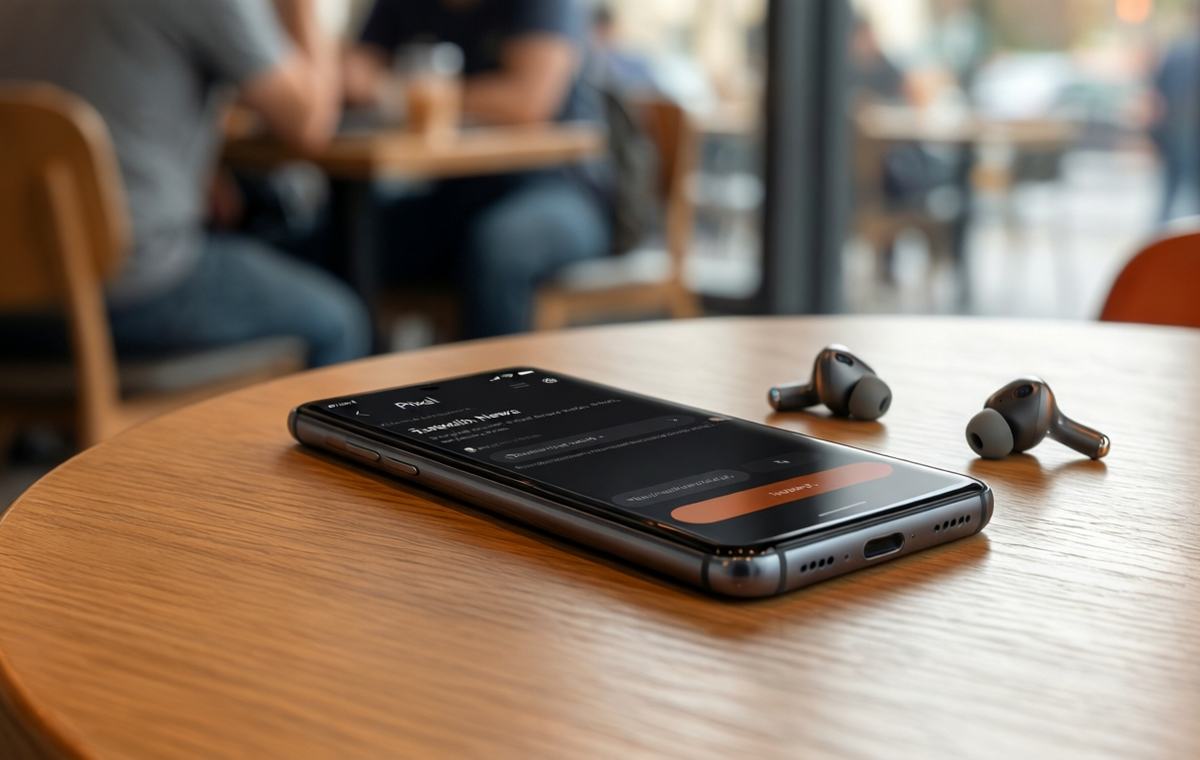
Live Translate is a built-in feature on Pixel phones that provides instant translations in several ways. You can use it with headphones or earbuds for real-time voice translation, take turns speaking through the translation, or have it translate everything to text. It is a powerful tool for conversations, directions, and understanding written content.
Until now, Live Translate required a steady internet connection. That meant if you were in a place with spotty service or no data, the feature was useless. The new offline mode changes that. You can download language packs ahead of time, and then use Live Translate without worrying about your connection.
The offline upgrade is rolling out now, according to Android Authority. It is available in 11 languages to start: English, French, German, Hindi, Indonesian, Italian, Japanese, Portuguese, Russian, Spanish, and Swedish. That is a solid list for most travelers, covering many of the world's most spoken languages.
One important note: the offline mode only works with those 11 languages and English. If you need a language that is not on the list yet, you will still need a connection. Google may add more languages later, but for now, this is the starting lineup.
How to Use Offline Live Translate
The big question for Pixel owners is: will my phone work? According to a support document found by Android Authority, the offline Live Translate feature will work with the Pixel 9, Pixel 10, and Pixel 11. That is a clear line in the sand.
If you own a Pixel 8, Pixel 7, or Pixel 6, you are out of luck for now. Google has not said whether those older devices will get the feature later. It is a pattern we have seen from Google before: new AI-driven features often arrive exclusively on the latest hardware.
Here is a quick breakdown of the supported devices:
- Pixel 9
- Pixel 10
- Pixel 11
If you have an older Pixel and this feature is essential to you, it might be time to consider an upgrade. Otherwise, you can wait and see if Google extends support to the Pixel 8, 7, or 6 series. There is no official timeline for that, so patience is key.
What This Means for Travelers
Using offline Live Translate is straightforward, but there are a few steps to get ready before you lose your connection. The key is to download the language packs you need ahead of time. Here is a simple checklist:
- Open the Google Translate app on your Pixel.
- Go to the settings and find the offline languages section.
- Download the languages you want to use offline (English is always included).
- Once downloaded, you can use Live Translate without an internet connection.
After the packs are downloaded, you can use Live Translate just like you would online. Put in your earbuds, start a conversation, and the phone will translate in real time. Or, if you prefer, you can have it translate everything to text on the screen.
The feature is designed to be reliable even in noisy environments, which is a big plus for travelers. The translations are not perfect, but they are accurate enough for everyday conversations, directions, and even business matters. One reporter from Android Police noted that they have used Live Translate for business in Japan with excellent results.
The Bigger Picture: Moving Away From the Cloud
For anyone who travels internationally, this is a major quality-of-life upgrade. You no longer have to worry about finding Wi-Fi or paying for expensive roaming data just to ask for directions or order a meal. You can download the languages you need before you leave, and then use your phone as a translator anywhere, even in remote areas.
It also helps in everyday situations. If you live in a multilingual household or work with people who speak different languages, offline Live Translate can be a reliable backup when your connection is weak.
The downside is the device restriction. If you have an older Pixel, you are stuck with the online version for now. That might be frustrating, but it is also a clear signal that Google wants to push newer hardware. If you are due for an upgrade, this feature could be the deciding factor.
For those on the fence, consider what you value more: the latest translation feature or saving money on an older model. If offline translation is a must-have, the Pixel 9 is the entry point. You can check out the Pixel 9 specifications and review to see if it fits your needs.
What Should You Do Next?
This update is part of a larger trend in mobile technology: moving features off the cloud and onto the device itself. On-device processing is faster, more private, and works without a connection. Google has been pushing this direction with its newer hardware, and offline Live Translate is a clear example.
It is not just about convenience. It is about reliability. When you are in a foreign country, your connection is not guaranteed. Having a translation tool that works offline gives you peace of mind. It also reduces the amount of data you use, which can save you money on roaming charges.
We hope Google will bring more features offline in the future. The company has the hardware to do it, especially with the newer Pixel chips. For now, offline Live Translate is a strong start.
If you are interested in other ways to get the most out of your phone, check out our mobile guides for tips on travel, productivity, and more. And if you are comparing devices, our phone comparison tool can help you see the differences side by side.
Your Move: Upgrade or Wait?: Offline Live Translate
So, what is the takeaway? If you own a Pixel 9, 10, or 11, you can start using offline Live Translate today. Download your language packs before you travel, and you are set. If you have an older Pixel, you have a decision to make: wait for possible support or consider an upgrade.
For travelers, this is a feature that could genuinely change how you navigate foreign places. No more hunting for Wi-Fi. No more awkward charades. Just pull out your phone and talk.
If you are in the market for a new phone, this is another reason to look at the Pixel lineup. You can browse the phone directory to see all the options, or use the phone finder to narrow down your choices based on your budget and needs.
And if you want to see how we evaluate phones, including translation features, check out our review methodology. We test in real-world conditions, so you know what to expect.
Offline Live Translate is a small but meaningful step. It makes your phone more useful in the moments when you need it most. And that is always a worthwhile upgrade.