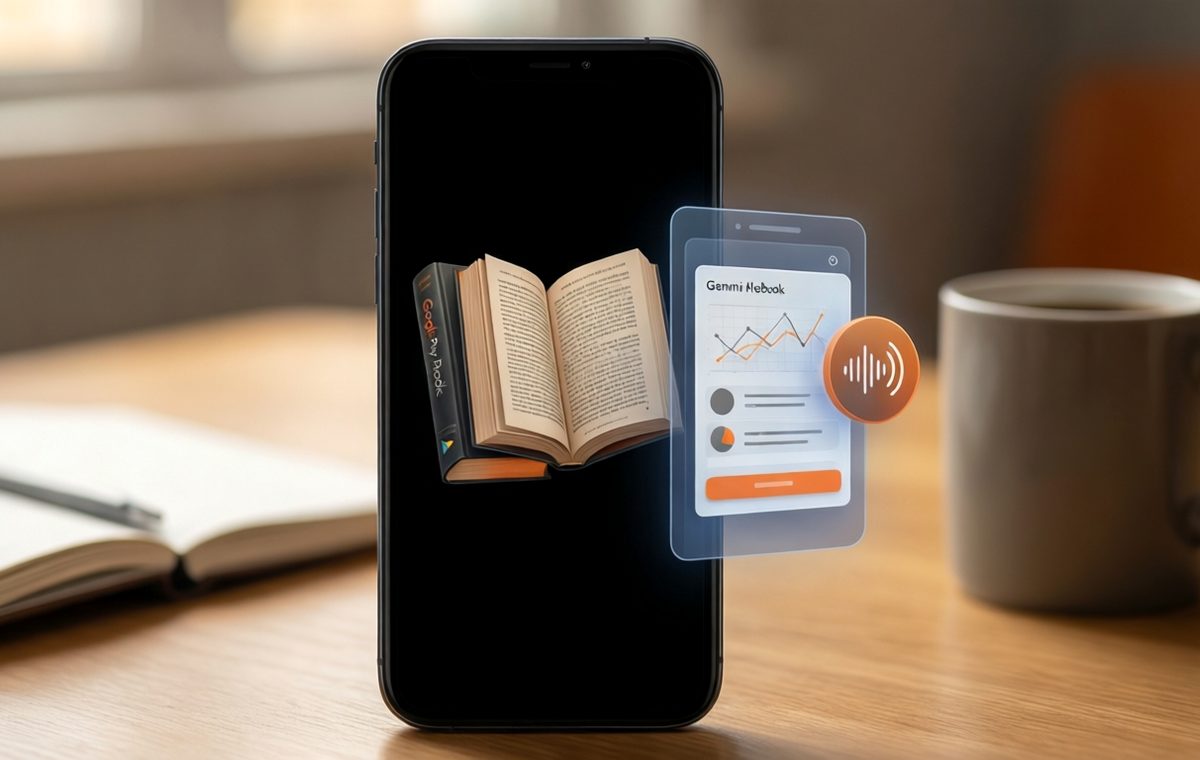
Summary of Google Gemini Notebook now lets you import your Play Books: Turn unread ebooks into study guides
- Google's Expert Intelligence lets you import select ebooks you own on Play Books into Gemini Notebook.
- You can ask questions, generate infographics, create audio overviews, and build quizzes from the imported book.
- More than 100,000 titles are available from major publishers including Penguin Random House and Macmillan.
- If you share a notebook, collaborators must buy their own copy to access the book's content.
- The feature is live now and will expand to the Gemini app and AI Mode in the future.
What is Expert Intelligence and why does it matter?
If you have ever bought an ebook on Google Play Books and never finished it, you are not alone. Many of us have digital shelves full of unread titles. Google now wants to turn that shelfware into something useful. A new feature called Expert Intelligence lets you import select ebooks you already own from Play Books directly into Gemini Notebook (formerly known as NotebookLM). Once inside, you can ask questions about the book, generate study aids, and even combine multiple titles into one research project.
The catch is that not every book you own will work. Google has partnered with specific publishers and authors to make this possible. The company says more than 100,000 titles are available at launch from major houses including Bloomsbury, De Gruyter Brill, Johns Hopkins University Press, Macmillan Publishers, O'Reilly Media, and Penguin Random House. Google has also worked directly with 15 bestselling authors such as Jennifer Wallace, Michael Pollan, and Steven Pinker to create special notebooks that complement their books.
How to import a book into Gemini Notebook
What this means for Google Gemini Notebook now lets you import your Play Books
Expert Intelligence is a cross-Google initiative that lets you use your trusted sources through Google AI products. It starts with Play Books and Gemini Notebook, but Google says it will expand to the Gemini app and AI Mode in the future. You will also be able to add other sources like third-party subscriptions, business research reports, and textbooks down the road.
For now, the core idea is simple: you own a book on Play Books, you bring it into Gemini Notebook, and the AI can answer questions based only on that book. It does not pull from the wider internet or from other books you have not purchased. This matters because it keeps the answers grounded in the source material you chose.
What you can do with an imported book
To check whether a title you own is eligible, visit its listing on Google Play Books. If the book supports Expert Intelligence, you will see Gemini Notebook listed when you click the Tools badge on the book's detail page. From there, you can add it as a source in a new or existing notebook.
Once the book is imported, you can use all of Gemini Notebook's features on it:
- Ask questions and get answers grounded directly in the book's text.
- Generate Infographics that visualize key concepts.
- Create Audio Overviews that turn chapters into spoken summaries.
- Build Quizzes to test your understanding.
You can also combine multiple eligible titles into a single notebook. This lets you compare ideas from different authors in one place. For example, a manager could consult Kim Scott's Radical Candor alongside their own notes to brainstorm feedback strategies. A parent could take a picture of the items in their fridge and ask for meal plan ideas based on Michael Pollan's Food Rules.
Copyright, ownership, and the bigger picture
Google has built in controls to respect copyright and ownership. You must own the book through Google Play Books to interact with it inside Gemini Notebook. If you share a notebook with someone else, that person will be prompted to purchase their own copy before they can see or use the book's content. Otherwise, the book will be unavailable within their notebook.
This approach comes at a time when Google faces a class-action lawsuit from an alliance of authors and publishers over allegations that Play Books titles were used to train AI models without permission. By partnering with publishers and paying authors, Google is trying to show that AI can work with copyrighted material in a way that respects creators. The company has not formally responded to the lawsuit, but Expert Intelligence could open the door to licensing deals similar to those OpenAI has struck with publishers like the Associated Press, Condé Nast, and The Guardian.
How to get started and what comes next: Google Gemini Notebook
Expert Intelligence is available starting today for select ebooks on Google Play Books. The library includes more than 100,000 titles from major publishers, but not every book you own will be eligible. Google says the list will grow over time.
If you are a student, a researcher, or just someone who wants to get more out of the books you have already paid for, this feature is worth a look. It turns a static ebook into an interactive study tool without breaking any digital locks. And because the AI only answers from the book you provide, you can trust that the information stays true to the author's words.
For more ways to get the most out of your mobile devices, check out our guides and reviews. If you are concerned about privacy when using AI tools, our mobile security guides can help. And to stay up to date on the latest app features, visit our mobile apps coverage.