Summary of Android 17 QPR2 beta adds status bar icon hiding: Clean up your Pixel screen
- Android 17 QPR2 Beta 4 adds a new Status bar menu under Settings > System where you can hide mute, vibrate, and battery percentage icons.
- Notification icons can be set to show all, priority only, or none at all.
- Beta 4 reaches Platform Stability, meaning the API set is final and developers can test their apps.
- The update includes a kernel refresh for Pixel 8, Pixel 9, and Pixel 10 that may improve battery life and performance.
- The stable QPR2 update is due in December; a public Android 17 stable build is expected in early September.
Goodbye clutter: What the new status bar settings do
If you own a Pixel phone and you have ever looked at the top of your screen and wished you could clean up the mess of icons up there, Google is about to give you exactly that control. The company recently released Android 17 QPR2 Beta 4, and it includes a new set of status bar settings that let you hide icons for system features and notifications.
That means you can stop seeing the mute or vibrate icon if you already know your phone is in silent mode. You can also choose whether to see all notification icons, only the ones that matter, or none at all. It is a small change, but for anyone who craves a tidier screen, it might feel like a big deal.
The stable version of Android 17 itself should land in early September. But Google is already testing the second Quarterly Platform Release, known as QPR2, which is scheduled for a December rollout. Beta 4 is the latest preview of that update, and it brings a handful of useful tweaks beyond the icon hiding feature.
Three toggles for notification icons, three for system icons
What this means for Android 17 QPR2 beta adds status bar icon hiding
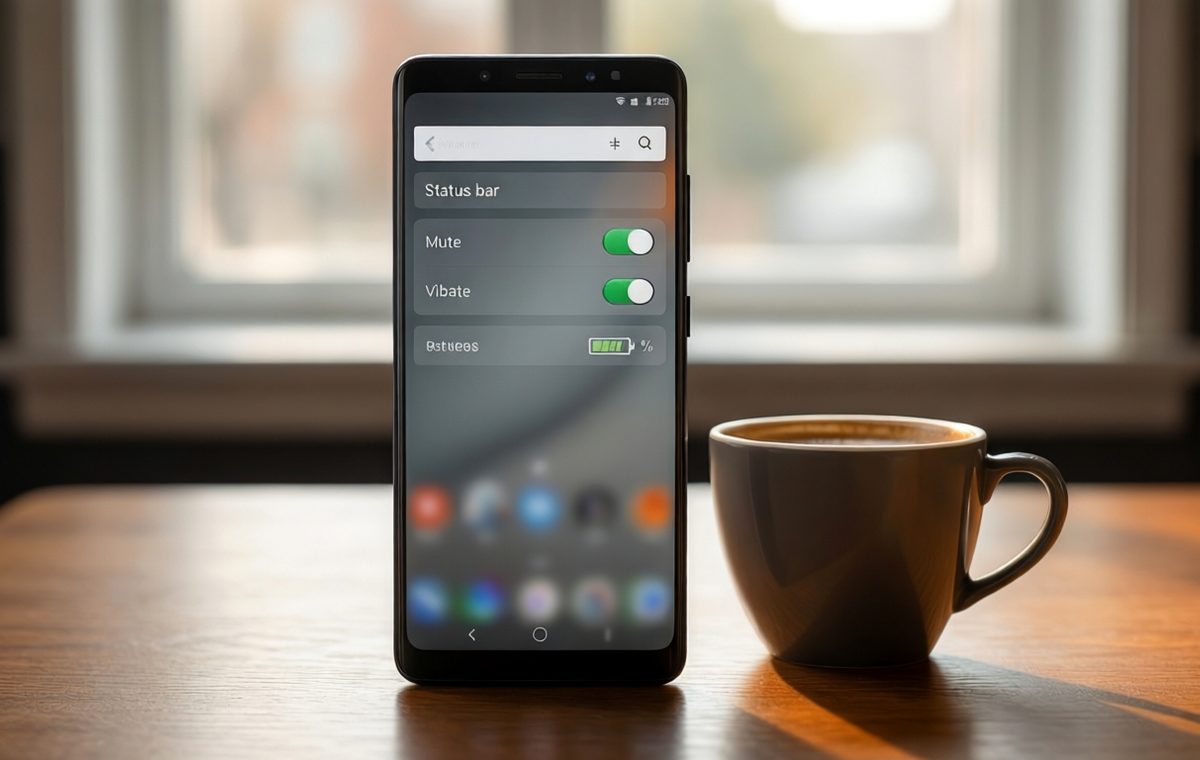
Under Settings > System > Status bar, Pixel users now have two sets of controls.
The first set is for notification icons. There are three choices:
- All: Show every notification icon
- Priority only(default): Show only icons for priority notifications
- None: Show no notification icons at all
The second set is for system icons. You can turn individual icons on or off:
- Mute: Show when the device is muted
- Vibrate: Show when the device is set to vibrate
- Battery percentage: Display the battery level as a number
Some of these options already existed elsewhere in the Settings app, but this update groups them in a single place for easier management. You can also find a shortcut to the new Status bar menu from Settings > Notifications.
Platform stability status and a long list of fixes
Google's official release notes for Beta 4 confirm that this build reaches Platform Stability. That means no more changes to app programming interfaces, or APIs, will be added in future beta builds. Developers can now start testing their apps against the final set of tools and make sure everything works before the public release.
Alongside the new status bar options, Beta 4 includes an updated kernel for the Pixel 8, Pixel 9, and Pixel 10. Google did not mention this change in its own notes, but a newer kernel often brings better battery efficiency and smoother performance. If you own one of those devices and join the beta, you might notice your phone feeling a little snappier over the next few weeks.
Of course, a long list of bug fixes also arrives with this build. Google addressed issues like:
- Overheating that caused unexpected reboots
- Screen mirroring not working with USB-C XR glasses
- Gesture navigation becoming unresponsive when apps used the area below the display cutout
- The 80% battery limit making charging take too long during the final two percent
- Phone call audio playing through the speaker instead of connected Bluetooth devices
- A bug in the Recents app switcher where the first app card could freeze and clip behind other apps
None of these bugs will matter once you install the stable version of QPR2 in December, but they show that Google is paying attention to real-world frustrations.
How to get Beta 4 and what to expect
If you are already enrolled in the Android Beta Program on a compatible Pixel device, your phone should receive the Beta 4 update over the air. You can also sideload the OTA file or flash the full factory image manually if you prefer.
Keep in mind that beta software can have unexpected problems. Even though this build is marked as Platform Stable for developers, it is not the final consumer release. Your phone might behave differently than it does on a stable build. If you rely on your Pixel for daily work or important tasks, you may want to wait for the official QPR2 rollout in December rather than jumping into the beta now.
If you have a spare device or you enjoy living on the edge, the new status bar settings alone might be worth trying out. You can always revert to the stable channel by wiping your phone and flashing the official image.
A cleaner top bar is almost here
This update is still a beta, and Google has not announced the exact date for Android 17 QPR2's public release beyond a December window. However, the fact that Beta 4 contains user-facing features like status bar customization suggests the company is close to finalizing the feature set.
Once the update goes stable, Pixel owners will be able to keep their status bars as clean or as packed as they like. For anyone who prefers a minimalist look, the ability to hide mute, vibrate, and non-priority notification icons could make the phone feel less busy throughout the day.
If you are shopping for a new phone right now, you might want to check out the Pixel 9 specifications and review to see what the latest hardware offers. You can also browse the phone directory to compare other devices. For tips on keeping your device secure while testing beta software, our mobile security guides have you covered.
In the meantime, if you decide to install Beta 4, you will get an early look at a cleaner status bar and a handful of other improvements. Just remember that beta software can have quirks, and the polished version with all the fixes is still a few months away.
The wait should be worth it for a phone that shows you only the icons you actually want to see.