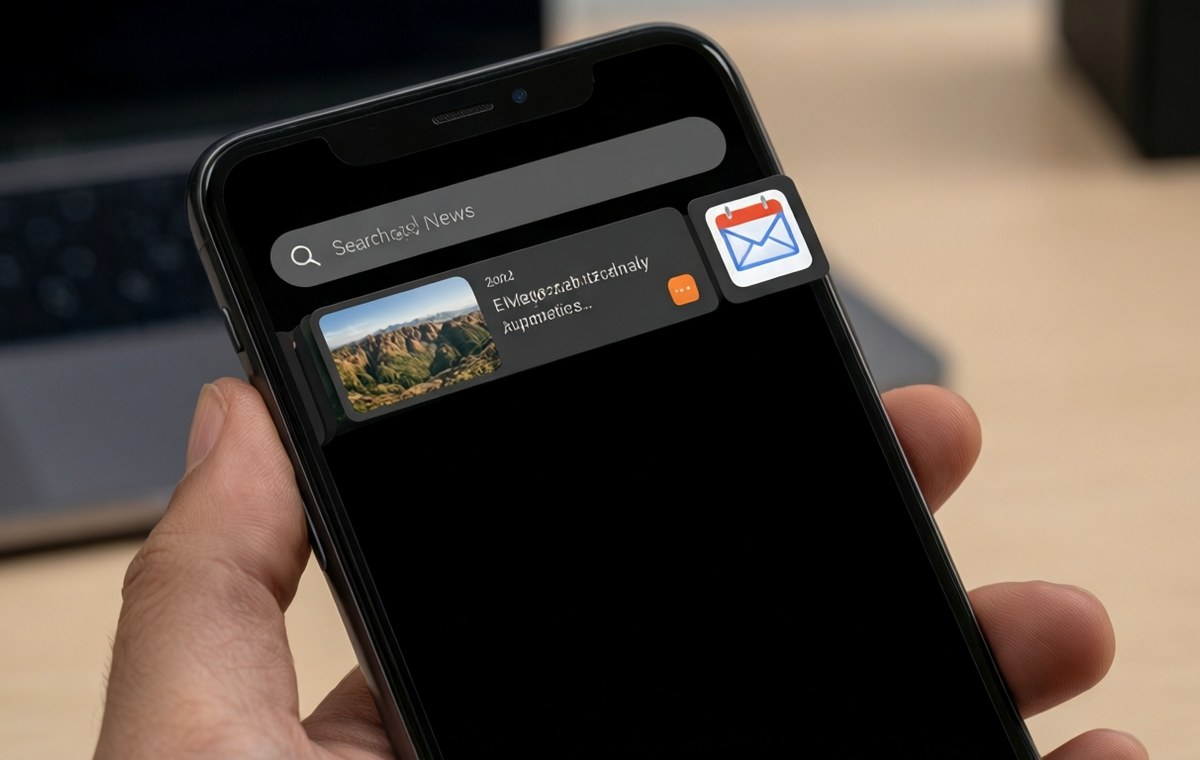
Summary of Pixel 11's new search tool finds your emails, photos, and files from the app drawer
- Pixel search is a new utility on the Pixel 11, Pixel 11 Pro, and Pixel 11 Pro Fold that expands the app drawer search bar.
- It can find results from Gmail, Google Drive, Google Photos, Calendar, Messages, Files by Google, and Pixel Screenshots.
- The feature works only from the app drawer, not from the home screen search bar.
- Google updates Pixel search through the Play Store, so improvements can arrive without a full system update.
- It is currently exclusive to the Pixel 11 lineup, and Google has not confirmed if older Pixels will get it.
What is Pixel search? A new search companion for your phone
Google's new Pixel 11 series brings a handy upgrade that ties together multiple Google services in one spot. A new tool called Pixel search turns the app drawer's search bar into a single gateway for finding apps, photos, emails, documents, and calendar events.
This feature comes preinstalled on the Pixel 11, Pixel 11 Pro, and Pixel 11 Pro Fold. Instead of jumping between separate apps to look for a file in Drive or an old email, you can type once in the app drawer and see results from several Google sources at once.
Here is a closer look at what Pixel search does, how it works, and what trade-offs you should know about.
Which apps can it search? The full list of supported services
What this means for Pixel 11's new search tool finds
Pixel search is not a standalone app with its own icon. It updates the Pixel Launcher — the software that controls your home screen and app drawer — so the search bar in the app drawer can access more types of your personal data.
Because Google hosts Pixel search on the Play Store, the company can update it at any time without waiting for a full system update. That means new features or service connections could arrive faster than before.
For now, Pixel search works with these apps and services:
- Calendar
- Google Drive
- Files by Google
- Gmail
- Google Messages
- Google Photos
- Pixel Screenshots
The old Pixel launcher could search inside Clock, Contacts, Pixel Tips, Play Store, Settings, and Wallet. The Pixel 11 adds the list above, giving you a much wider net when you search.
How does it work? And a key limitation to know
Open your app drawer by swiping up on the home screen. Tap the search bar at the top. Type what you are looking for. In about a second, results appear in rows: Calendar events, documents from Drive, a row of photos, emails, and chats from Messages.
You can still open apps and use app shortcuts from the same bar. The shortcuts now appear more prominently than before. If you have a work profile on your phone, Pixel search supports that too.
One odd catch: this enhanced search only works from the app drawer search bar. The search bar you may have placed on your home screen does not get the same upgrade. That home screen bar still uses Google's AI Mode, which launched last December. Some users find that change clumsy because it sends your query to the Google app instead of searching your phone directly.
The best workaround, according to early users, is to set Pixel Launcher to automatically open the keyboard when you swipe up on the home screen. That way you land in the app drawer with the keyboard ready, making it faster to start a search.
What can you actually find? Emails, photos, alarms, and more
If you use multiple Google accounts on your phone, you can pick a specific account for Google Drive and Gmail searches. That keeps work and personal results separate if you prefer.
Screenshots of the service show that, beyond files and photos, Pixel search can surface specific emails, text messages, contacts, upcoming alarms, and even troubleshooting guidance from your phone. It seems designed for people who store a lot of information inside Google's ecosystem and want one fast way to find it.
This kind of cross-service integration is something many users have wanted for years. Instead of opening Gmail to hunt for an email from last week, then opening Photos to find a related picture, you can type a name or keyword once and see everything together.
Will Pixel search come to older Pixel phones? The upgrade question
Here is the big question for anyone who owns an older Pixel, such as the Pixel 10 or Pixel 9 series. Google has not said whether Pixel search will come to older devices. Right now, it is exclusive to the Pixel 11 line.
Because Pixel search is delivered through the Play Store, a future update could theoretically support older Pixel phones. But Google has made no promises. For now, if you want this unified search experience, you need a Pixel 11, Pixel 11 Pro, or Pixel 11 Pro Fold.
If you are deciding whether to upgrade, consider how much you rely on Google apps for daily tasks. People who often search for old emails, photos, or Drive files may find the time saved worth the switch. If you rarely use the app drawer search bar today, this feature alone probably will not change your routine.
Should you care about Pixel search? The bottom line for Pixel 11 owners
Pixel search is a practical addition for anyone who lives inside Google's apps. It saves taps and mental effort by bringing multiple search sources into one familiar spot. It updates independently through the Play Store, which means Google can improve it without waiting for the next Android version.
The main downside is that the home screen search bar does not get the same treatment. You have to open the app drawer first. That extra step might feel small, but it can discourage daily use if you are used to tapping a bar on your home screen.
If you are curious about how other phones compare, check out our phone directory or use our phone finder to see what fits your needs. For more tips on getting the most out of your device, browse our mobile guides and mobile news sections.