Summary of Testing Your Typing Speed When You Move From Phone Keyboard to Laptop
- You spend six hours a day on your phone.
- Key Takeaways: – Switching from a soft phone keyboard to a physical laptop keyboard disrupts the muscle memory your thumbs have built over years– Getting a real WPM number is the first step before any improvement strategy makes sense– A one-minute benchmark test costs you nothing and gives you an objective starting point– Your raw WPM score becomes meaningful only when you see where it sits relative to other people– Small daily practice sessions on a physical keyboard, not just awareness, close the speed gap over time
- A physical laptop keyboard operates on completely different principles.
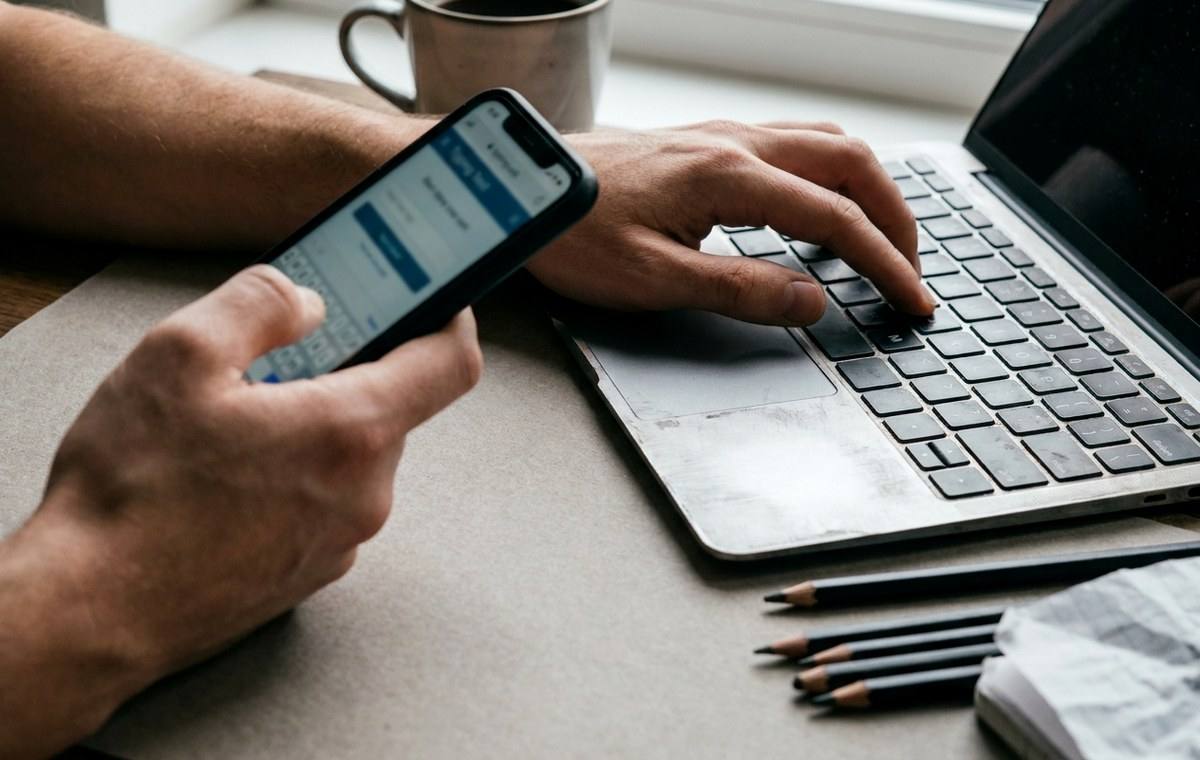
You spend six hours a day on your phone. Thumbs flying, autocorrect catching your mistakes, swipe gestures doing half the work. Then you sit down at a laptop to write a report or a client email, and something feels…
You spend six hours a day on your phone. Thumbs flying, autocorrect catching your mistakes, swipe gestures doing half the work. Then you sit down at a laptop to write a report or a client email, and something feels wrong. The words come out slower. You keep hitting the wrong keys. The rhythm just is not there. This is not a personal failure. It is a muscle memory mismatch, and millions of remote workers and students run into it every year.
Key Takeaways:– Switching from a soft phone keyboard to a physical laptop keyboard disrupts the muscle memory your thumbs have built over years– Getting a real WPM number is the first step before any improvement strategy makes sense– A one-minute benchmark test costs you nothing and gives you an objective starting point– Your raw WPM score becomes meaningful only when you see where it sits relative to other people– Small daily practice sessions on a physical keyboard, not just awareness, close the speed gap over time
Why the Switch Feels So Clunky — Testing Typing Speed When You Move
Touch keyboards are engineered around your thumbs. The keys are virtual, the layout shrinks to fit a four-inch screen, and the phone compensates for your inaccuracy with predictive text and autocorrect. You are not really typing in the traditional sense. You are gesturing.
A physical laptop keyboard operates on completely different principles. Each key has travel distance, a tactile feedback point, and a specific spatial relationship to every other key. Your brain has to map ten fingers across a full-size layout instead of two thumbs across a compact one. According to research on touch typing, proficient typists build procedural memory through consistent repetition of finger movements, and that memory is highly specific to the input device being used.
When you switch devices, you are not just changing keyboards. You are asking a completely different set of motor programs to take over, and those programs may be underdeveloped if you have been living on a phone for the past few years.
The Problem With Guessing Your Speed — Testing Typing Speed When You Move
What this means for Testing Typing Speed When You Move
Most people who feel slow on a laptop assume they are slow. But “slow” is not a useful measurement. It tells you nothing about how much improvement you need, which skills are weakest, or whether you are actually underperforming for your profession or just imagining it.
Typing speed is measured in words per minute, a standardized metric that counts the number of correctly typed words in a given time window. The “words” in this case are normalized to five characters each, so longer words count for more. This makes WPM a fair, consistent way to compare speeds across different passages and different people.
But here is what most people skip: they never measure themselves. They guess. And guessing almost always produces one of two errors. Either you underestimate your speed and give up before you start, or you overestimate it and skip practice you actually need.
The fix is a real number from a real test.
Taking a Proper Benchmark in One Minute — Testing Typing Speed When You Move
A benchmark does not have to be long to be useful. One minute of focused typing is enough to produce a reliable WPM estimate, especially if you approach it without a warmup that inflates your score.
Here is how to set up a meaningful baseline test:
- Close everything on your screen so there are no distractions pulling your eyes away from the text prompt.
- Sit in your normal working posture, the way you actually sit when you type at work or school, not an artificially upright test posture.
- Take the 1-minute typing test without stopping to correct errors mid-word. Let the errors happen. The score reflects real-world conditions better that way.
- Write down your WPM score and your accuracy percentage immediately after. Both numbers matter.
- Repeat the test two more times and average the results. A single run can be thrown off by a hard passage or a lucky one.
That average is your baseline. It is the number that everything else builds on.
What That Number Actually Means — Testing Typing Speed When You Move
A raw WPM score means almost nothing without context. Forty words per minute might be excellent for a first-year student who has barely touched a physical keyboard. It might be a serious problem for a paralegal whose job involves heavy document drafting. The same number tells two completely different stories depending on who is holding it.
This is where population comparisons matter. The WPM percentile tool takes your score and places it inside the distribution of actual measured typists. You find out whether you are in the bottom quarter, the middle half, or the top tier. For professionals, that ranking has career relevance. For students, it shows whether typing itself is a bottleneck slowing down note-taking and exam responses.
Knowing you type at the 34th percentile is actionable. Knowing you type “kind of slowly” is not.
Why Phone Typists Often Land in the Middle — Testing Typing Speed When You Move
If you come from heavy phone use, your benchmark score is likely to fall somewhere in the average range, roughly between 35 and 55 WPM on a first attempt. Here is why that pattern is so common:
- Your vocabulary and language fluency are fully intact, so you know exactly what you want to type. The bottleneck is purely mechanical.
- Your right-hand coordination may be stronger than your left from years of holding your phone in one hand and tapping with the other, creating an imbalance that shows up in laptop typing.
- Autocorrect dependency means your brain never developed the habit of self-correcting in real time. Errors that your phone would have silently fixed now slow you down because you either notice and stop, or you miss them entirely.
These are all fixable. But you can only prioritize the right fix if you know your actual score first.
Building a Real Improvement Plan After You Measure — Testing Typing Speed When You Move
Once you have your baseline WPM and your percentile rank, improvement becomes a planning problem rather than a motivation problem. You know where you are. You know roughly where you want to be. The only question is how to close that distance.
The most effective approaches share a few common features:
- Short daily sessions on a physical keyboard beat long occasional ones. Ten to fifteen minutes every day produces faster gains than an hour once a week.
- Accuracy-first practice matters more than speed practice. Typing slowly and correctly trains better finger placement than typing fast and sloppy.
- Using typing practice software that gives you passage variety prevents you from memorizing specific text patterns and mistaking that for real speed.
Retesting every two weeks, not every day, gives you enough time to see genuine progress rather than day-to-day noise. Use the same baseline conditions each time so your numbers are comparable.
The Gap Between Phone Fluency and Keyboard Fluency — Testing Typing Speed When You Move
There is a real cognitive leap between being fluent on a phone and being fluent on a keyboard, and it is worth naming directly. Phone typing is largely unconscious after a few years. You do not think about it. Laptop typing, if you have spent years away from it, requires deliberate effort again.
That deliberate effort is uncomfortable. It makes you feel slower and less capable than you actually are. Part of the transition is simply tolerating that feeling long enough for the new muscle memory to take hold.
The benchmark test helps here too. When you retest in two weeks and see your WPM climb from 42 to 49, you have concrete evidence that the discomfort is working. That feedback loop keeps you practicing even when it still feels awkward.
From Clunky Keys to Confident Keystrokes — Testing Typing Speed When You Move
The clunky feeling you get when you move from phone to laptop is real, it is temporary, and it has a measurable size. That last part is what most people overlook. You do not have to wonder whether you are slow or whether you are improving. You can measure both.
Start with a baseline. Find out where your score sits relative to other typists. Then practice with that target in mind. The gap between phone fluency and keyboard fluency closes faster than most people expect, especially once you treat it as a skill problem with a clear metric rather than a vague frustration you just have to push through.
Your thumbs learned the phone keyboard. Your fingers can learn the laptop one. You just need to give them a reason to try and a number to aim at.
Continue from Testing Your Typing Speed When You Move From Phone Keyboard to Laptop:Technology guides,How-to, and How to Turn Off AI Overview on Google: A detailed guide provide the closest supporting context and next practical step.