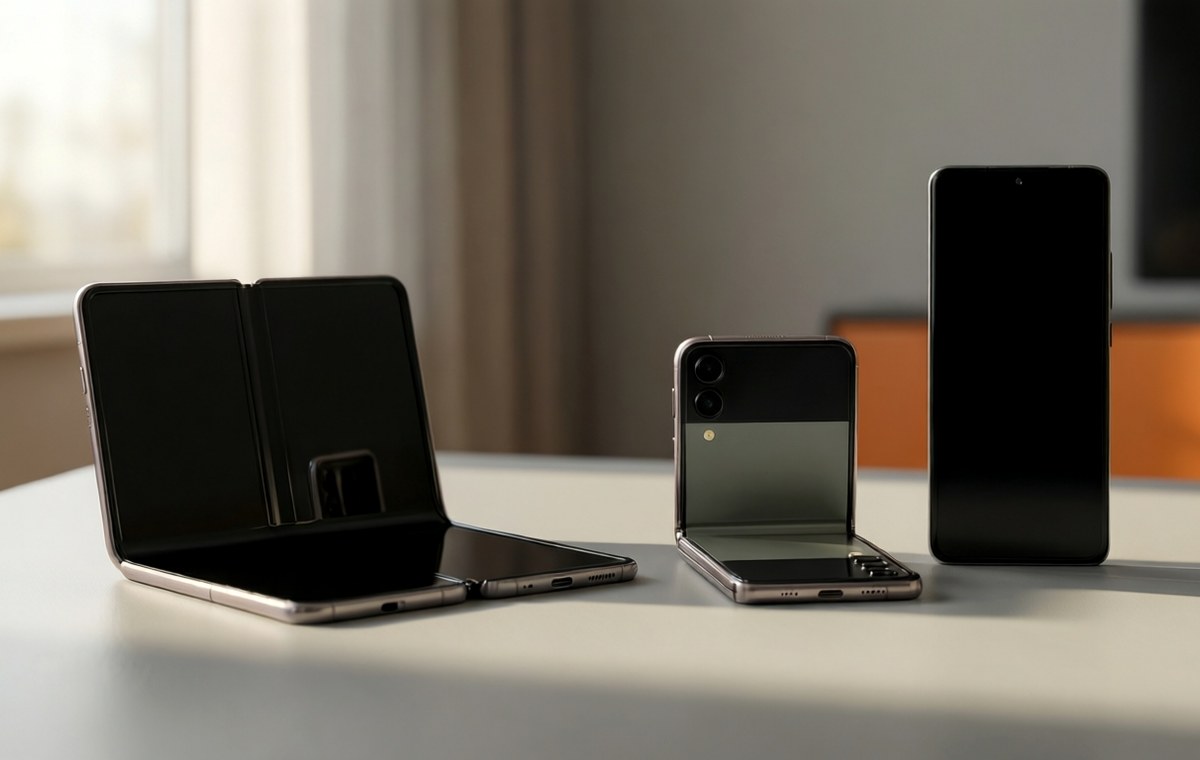
Summary of One UI 9 beta expands: Galaxy Z Fold 6, Z Flip 6, and Galaxy A57 get Android 17
- Samsung opens the Android 17-based One UI 9 beta to the Galaxy Z Fold 6, Z Flip 6, and Galaxy A57.
- The beta is live in South Korea for the foldables and in India for the Galaxy A57, with more regions coming.
- The update weighs about 2,316 MB and includes the August 5, 2026 security patch.
- Users can register via the Samsung Members app and must back up data before installing.
- Stable release is expected later this year after broader beta testing.
Android 17 comes to older foldables and a mid-ranger
Samsung has just shown that it wants more people testing its next-generation software before the big, stable launch. The company recently opened the One UI 9 beta— based on Android 17— to three more phones: the Galaxy Z Fold 6, the Galaxy Z Flip 6, and the Galaxy A57. If you own one of those devices, you now have a chance to try out the new look and features months before most users will get them.
The beta program had already reached flagship phones like the Galaxy S25 series, Galaxy S24 series, Galaxy Z Fold 7, and Galaxy Z Flip 7. Now Samsung is widening the net to include the previous generation of foldables and, in an unexpected move, a mid-range phone. Let's break down what you need to know, where the update is live, and how you can join the test.
Which countries get the beta first?
What this means for One UI 9 beta expands
According to the company's official communication, the One UI 9 beta is now rolling out in South Korea for both the Galaxy Z Fold 6 and the Galaxy Z Flip 6. At the same time, the beta has gone live in India for the Galaxy A57. These are the first versions of the software for those devices, and the download package is fairly large.
The update file weighs roughly 2,316 MB. It includes the August 5, 2026 security patch. Early testers can expect the usual pre-release quirks: occasional bugs, unfinished animations, and a need for patience. Samsung warns users to back up their data before installing.
Samsung has also confirmed that the beta will arrive in additional countries soon. The full list of planned regions includes Germany, Poland, the United Kingdom, and the United States. If you are in one of those countries, you may see the registration banner appear in the Samsung Members app within days.
What the changelog promises
For the Galaxy Z Fold 6 and Z Flip 6, the beta is available in South Korea. The build for the Galaxy Z Flip 6 ends with F741NKSU4ZZHP. For the Galaxy A57 in India, two build numbers have appeared: one ending in ZZHJ and another ending in BZHI. Having two variations is normal when a manufacturer tests in different carrier markets.
The changelog for this beta highlights three main areas:
- Enhanced personalization options
- Refined productivity workflows
- Security improvements and updates to core Samsung apps
You will also see the typical Android 17 features such as a dedicated Google Search bar on the home screen and better integration with Samsung's ecosystem. Because this is beta software, some of these features might still feel rough around the edges.
If you want to check out our full breakdown of how Samsung's software has evolved over the years, take a look at our mobile security guides for best practices when running pre-release builds.
How to join the beta on your Galaxy phone
If you own an eligible device and you live in a participating country, registering is straightforward. Open the Samsung Members app on your phone. Look for a registration banner on the home screen. Tap it, follow the on-screen instructions, and then head to Settings > Software update > Download and install.
You must back up your important data first. Beta builds can have bugs that cause apps to crash, battery life to drain faster than usual, or in rare cases, force you to reset the device. Samsung provides a feedback channel inside the Samsung Members app, so you can report any issues directly.
If you are not sure which device you own, you can use our phone finder tool to identify your model and check compatibility.
Why the Galaxy A57 matters
The Galaxy A57 is the first mid-range device in this beta cycle. That is notable because previous generations of One UI betas often skipped mid-tier phones until the stable release was close. Samsung seems to be trusting its upper mid-range hardware more than before.
If you want to compare the Galaxy A57 against the Galaxy S25 FE or other mid-range options, our phone comparison tool can help you decide which one suits your budget and needs. The Galaxy A57 is expected to receive the stable version of One UI 9 later this year, and the beta gives you a head start on learning the new interface.
What comes next for One UI 9
While the Galaxy Z Fold 8 and Z Flip 8 launch with Android 17 out of the box, the rest of the Galaxy lineup is still waiting. Samsung has now confirmed that the beta is expanding to the 2025 flagship lineups, including the Galaxy S25, S25+, S25 Ultra, S25 FE, Galaxy Z Fold 7, and Galaxy Z Flip 7. That expansion is expected to start in September 2026.
If you are considering buying one of the foldables now, you can read our full Galaxy S25 Ultra specifications and review to see how the software experience compares. The stable release of One UI 9 is likely still a few weeks away, but the update schedule suggests it will land before the end of 2026.
Try it now, help shape the final release: One UI 9
The One UI 9 beta program is now more accessible than ever. With three new devices joining the test, Samsung is casting a wide net to catch bugs and polish the software before the stable release. If you own a Galaxy Z Fold 6, Galaxy Z Flip 6, or Galaxy A57 in a supported region, you have a rare chance to shape the final version of Android 17 on Samsung phones.
Just remember: back up your data, expect a few hiccups, and provide feedback through the Samsung Members app. That is the best way to help Samsung deliver a smooth update for everyone else. For more news on Samsung's software plans and other mobile updates, check out our mobile news section.