Summary of Do You Need a VPN on Your Phone and Should You Trust the Free Ones
- Find out if you really need a VPN on your iPhone or Android, and learn why free VPNs might put your privacy at risk instead of protecting it.
- You're sitting at a coffee shop, phone in hand, tapping into the cafe's free Wi-Fi before your order even arrives.
- The attack known as a man-in-the-middle attack lets a bad actor position themselves between your device and the network.
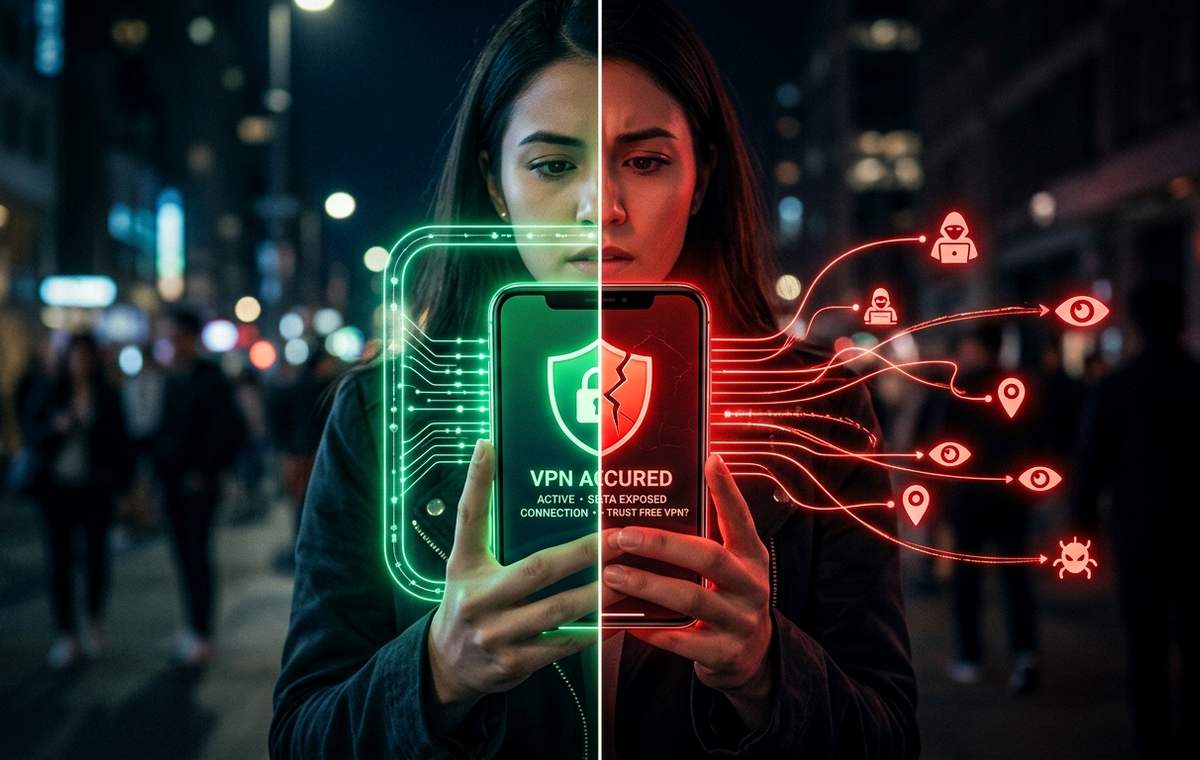
You're sitting at a coffee shop, phone in hand, tapping into the cafe's free Wi-Fi before your order even arrives. It feels harmless. Most people do it without a second thought. But that open network is a live broadcast. Anyone nearby with the right tools can potentially intercept what your phone sends and receives. That scenario plays out in airports, hotel lobbies, and shopping mall food courts every single day, and it's one of the clearest reasons a VPN on your phone stops being a niche concern.
Key Points Before You Decide
- Public Wi-Fi networks are genuinely risky for unprotected phone traffic, especially in airports and hotels.
- Your ISP and many apps track your behavior even when you think you are browsing privately.
- A trustworthy paid VPN encrypts your connection and hides your real IP address from outside observers.
- Free VPNs often fund themselves by logging and selling your data, which defeats the purpose entirely.
- Not everyone needs a VPN running around the clock, but certain situations make one worth having ready.
Why Public Wi-Fi Is a Bigger Gamble Than It Looks
Open Wi-Fi requires no password to join. That convenience is also the core problem. When a network is unencrypted, data traveling between your phone and the router can be read by others connected to the same network. This includes login attempts, form submissions, and app traffic that has not been independently secured at the application level.
The attack known as a man-in-the-middle attack lets a bad actor position themselves between your device and the network. From there, they can see, log, or alter the data passing through. This does not require advanced hacking skills. Readily available tools make this type of interception accessible to someone with fairly basic technical knowledge and a grudge.
Coffee shops, airports, and hotel lobbies are prime targets because foot traffic is high and people tend to stay long enough to do real browsing. Travel roaming makes things considerably worse. When you land abroad and grab the nearest free airport Wi-Fi to message family back home, that network might belong to a completely unknown operator with no obligation to protect you or your data.
HTTPS does provide a layer of encryption for individual websites, but it does not protect everything your phone does. DNS queries, some app traffic, and metadata about what you are accessing can still leak. A VPN wraps all of that traffic in an encrypted tunnel before it even leaves your device.
What Your ISP and Your Installed Apps Already Know
What this means for Do You VPN on Phone and
Public Wi-Fi gets the headlines, but your home broadband and mobile data connection come with their own privacy questions. Your internet service provider sees every domain you visit, when you visit it, and for how long. In several countries, ISPs are legally permitted to sell aggregated browsing data to advertisers. Even without explicit data sales, the metadata your ISP collects over time builds a detailed behavioral profile of your household.
Apps on your phone add another dimension to this. Many request permissions that go far beyond their stated purpose. A flashlight app asking for location access is a well-worn example, but it still happens. Privacy researchers and digital rights groups have documented how apps track behavior well beyond what users expect, and the EFF's surveillance self-defense guide pulls that picture together in plain language worth reading.
A VPN does not block in-app tracking on its own. But it does hide your IP address from every site and server your apps connect to. That alone removes one of the most persistent identifiers used to link your behavior across different platforms and services.
What a VPN Actually Does on Your Phone
A VPN creates an encrypted connection between your phone and a remote server operated by the provider. Your traffic leaves your phone in an encrypted state, travels to that server, and then continues to its destination from the server's IP address rather than yours.
The practical result is threefold. First, anyone snooping on the local network sees only an encrypted stream heading to the VPN server. Second, the websites and services you reach see the VPN server's IP address, not your real one. Third, your ISP can see you are connected to a VPN server but cannot see which specific sites or apps you are using.
On both Android and iPhone, VPNs run as apps and plug into the device's native VPN framework. Once connected, they redirect all traffic automatically. You do not need to configure anything at the router level. That portability is a large part of what makes mobile VPNs genuinely useful for people who move between locations regularly.
Moments When Having a VPN Ready Pays Off
Not every smartphone user needs a VPN running all day. But there are specific contexts where having one ready matters more than the subscription cost.
- You frequently connect to public Wi-Fi in cafes, libraries, airports, or hotels.
- You travel internationally and want to access services or content tied to your home country.
- You live in or visit a country with heavy internet filtering or state-level surveillance.
- You want to prevent your mobile carrier from building a behavioral profile based on your browsing history.
- You work remotely and occasionally need to access company resources from locations outside the office.
For most people, the coffee shop scenario alone is justification enough. Using your banking app or logging into email over an untrusted network without any protection is a real, avoidable risk. Having a VPN set up ahead of time means you are covered before you need it, not scrambling when it counts.
What to Actually Look For in a VPN Worth Using
The VPN market is crowded and the marketing language across providers sounds nearly identical. A more useful way to evaluate options is to look past the speed claims and focus on what actually matters for trust and reliability.
- A verified no-logs policy. A reputable provider should have an independent audit on record confirming it does not store user activity logs. Promises on a marketing page mean nothing without third-party verification.
- Strong encryption standards. Look for AES-256 encryption and modern protocols like WireGuard or OpenVPN. These are established, peer-reviewed standards that hold up in real-world conditions.
- A kill switch. If the VPN connection drops unexpectedly, a kill switch cuts your internet access rather than letting your unencrypted traffic expose your real IP. This matters most on mobile, where connections drop and switch constantly.
- Clear jurisdiction and ownership. Where the company is based affects what data-sharing laws apply. Providers headquartered in countries with strong data protection frameworks are generally a safer choice.
- A polished mobile app on both iOS and Android. A provider that treats its phone apps as an afterthought will frustrate you quickly when you actually need reliable protection on the go.
The Hidden Price of a Zero-Dollar VPN
Free VPNs look attractive. Zero dollars is hard to argue with when you are just trying to stay protected on hotel Wi-Fi. The problem is that running VPN infrastructure costs real money. Servers, bandwidth, engineering, and support are not free. A provider offering all of that at no charge has to fund it somehow.
For many free VPN apps, the product is the user. That means collecting data about what you do online and selling it to data brokers or advertising networks. The very protection you downloaded the app to gain becomes the mechanism for monetizing your behavior. Some free VPNs have also been caught injecting ads into browsing sessions, redirecting traffic for affiliate commissions, or using your device's bandwidth as part of a residential proxy network without your knowledge.
The honest answer to the question of are free VPNs safe is usually no, and the reason always comes down to business model. If you are not paying for the product, the product is almost certainly you, and reading through the detail on that is time well spent before you download anything.
Several privacy researchers and consumer watchdog groups have published findings on specific free VPN providers that were actively harvesting the data of users who believed they were protected. A few have faced regulatory action as a result. The pattern is consistent enough that the default assumption for any free VPN should be suspicion, not trust.
Does It Matter Whether You Have an iPhone or an Android?
The core value of a VPN is the same on both platforms, but a few differences are worth knowing before you choose an app. iOS has stricter app review guidelines, which generally means fewer malicious VPN apps reach the App Store. That said, problematic apps have made it through Apple's review process before. Android's more open ecosystem makes a wider range of apps available, including some that genuinely should not be trusted. The ability to sideload apps on Android also increases the surface area for fake or compromised VPN installers.
- Stick to established providers with published audit reports regardless of which platform you are on.
- Avoid apps with vague privacy policies, no identifiable parent company, or suspiciously few reviews.
- Both iOS and Android support WireGuard natively, which is a strong sign for both speed and security.
- Check app permissions at install time: a legitimate VPN app does not need access to your contacts, microphone, or camera.
Both platforms also let you configure a VPN connection directly in system settings using standard protocols, bypassing the provider's app entirely. This gives more control to people who want it, and removes one potential point of failure.
Your Phone Deserves the Same Care as Your Laptop
A VPN is not an all-in-one privacy solution. It encrypts your connection and hides your IP address, but it does not protect you from phishing attempts, weak passwords, or apps you have already granted excessive permissions. Think of it as one solid layer within a broader approach to mobile security, not a substitute for the others.
For frequent travelers, people who rely on public Wi-Fi regularly, and anyone who would rather their ISP not build a detailed profile of their online life, a paid VPN from a provider with a clean audit record is a reasonable expense. Many reputable options cost less per month than a single coffee.
For someone who stays on trusted home broadband and rarely touches public networks, the urgency is lower. But the moment you are sitting in an airport terminal with a long layover, reaching for a free app in a hurry is exactly where things go sideways. The better move is to have a tested, paid option already configured before you need it. Your phone holds your banking access, your messages, your photos, and often your identity documents. Treating its network connection with basic care is not excessive caution. It is just sensible.