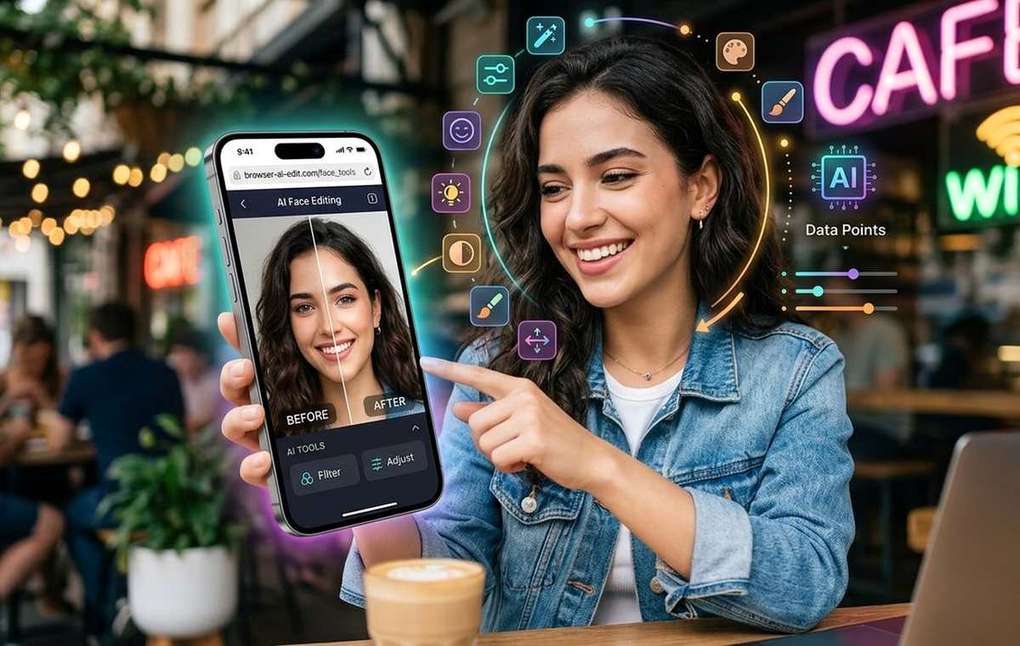
Summary of AI Face Editing Tools That Work Straight From Your Phone Browser
- AI face swap tools now run right in your phone browser, no app needed.
- Smartphone cameras have gotten so strong that the editing tools are struggling to keep up, at least when it comes to novelty.
- Before you tap a single button, it helps to understand what the software is actually doing.
Smartphone cameras have gotten so strong that the editing tools are struggling to keep up, at least when it comes to novelty. Filters cycle in and out of fashion fast. But AI face editing is different. It is not a preset or a color grade. It is a technology that reads your facial geometry, maps it onto another image, and blends the result so smoothly that the output barely looks touched. And now, you do not need a dedicated app to do it. The best tools run entirely in your mobile browser, ready to use the next time you are waiting for a train.
What You Need to Know:
- AI face swapping now works in your mobile browser with no app install required
- The tech reads facial geometry and blends skin tones using neural networks trained on millions of images
- Processing happens on the server side, so your phone's hardware is not the bottleneck
- Browser-based tools let you experiment without committing storage or permissions to an app
- Results are typically ready in seconds, not minutes
What Is Actually Happening Inside the Tech
Before you tap a single button, it helps to understand what the software is actually doing. Face swapping falls under the broader category of synthetic media, often called deepfakes in its more advanced forms. The term gets used a lot in news coverage, usually in alarming contexts, but the underlying technology is genuinely fascinating.
At a basic level, the model identifies facial landmarks in both the source image and the target image. These are specific points on the face: the corners of the eyes, the edges of the mouth, the tip of the nose, the jawline. Once those landmarks are mapped, the software warps the source face to fit the proportions of the target, then blends the skin tones and lighting so the result looks natural rather than pasted on.
The engine powering most modern face swap tools is a class of AI model trained on enormous datasets of human faces. These models learn what a face should look like from almost every angle and under almost every lighting condition. That training is what lets the tool handle a slightly tilted selfie or a shadowed vacation photo without falling apart.
Why a Browser Tool Is Different From a Filter App
What this means for AI Face Editing Tools That Work
Filter apps work locally. The algorithm runs on your phone's processor, which means your results are partly limited by your hardware. Browser-based tools work differently. When you upload a photo, the processing happens on a remote server with significantly more computing power. Your phone is basically just a display terminal. It sends the image and receives the result.
That has a few practical advantages. You do not need to download anything, and you do not need to grant camera or storage permissions to a third-party app you just discovered. The session ends when you close the tab. For someone who just wants to test an AI effect for a social post without committing to a new app on their home screen, that is a meaningful difference.
How to Try a Face Swap Mid-Commute
You do not need to be at a desk for this. The workflow on mobile is designed to be straightforward:
- Open your phone's browser and go to a tool that supports browser-based face swap processing
- Upload the photo of the face you want to apply, usually referred to as the source
- Upload the target image, the photo where you want the face to appear
- Let the tool process, which typically takes under thirty seconds
- Download the result directly to your camera roll
The interface on modern browser tools is touch-friendly. Buttons are large enough to tap accurately, and the upload step works with your phone's native photo picker, so you can pull directly from your camera roll or files app.
What works best as source material: clear frontal or near-frontal photos with daylight. Profile shots at extreme angles tend to produce softer results because there is less facial data for the model to work with. The same applies to very low-resolution images. The AI can only work with what it has.
Things Worth Knowing Before You Post
AI face editing is a creative tool, and like any creative tool, it comes with some responsibility attached. A few points worth keeping in mind:
- Only use images of people who have agreed to be part of the edit
- Check the platform's community guidelines before posting altered face content, since policies vary
- Some tools retain uploaded images temporarily for processing; read the privacy policy if that matters to you
- The more you experiment, the better you get at choosing source images that produce clean outputs
The generative adversarial network architecture behind many of these tools was originally developed for research purposes, and the same principles are now accessible through consumer tools. That accessibility is genuinely new. A few years ago, producing a convincing face swap required desktop software and hours of rendering. Today it takes a browser tab and about a minute.
From Filter Curious to Browser Fluent
The gap between playing with a Snapchat lens and understanding how AI facial processing works is smaller than it seems. You are already familiar with the output: the smoothed skin, the swapped expressions, the uncanny valley effect when something goes slightly wrong. What browser-based tools add is a chance to engage with the technology more directly, uploading your own source images and controlling the result rather than choosing from a menu of preset effects.
That hands-on experience changes how you think about the content you see. When you have run the process yourself a few times, you start to notice the telltale signs: the slight lighting mismatch at the jawline, the ear that does not quite match the head shape, the hairline that blurs where the blend was imperfect. It makes you a sharper viewer of AI-generated content, not just a creator of it.
Your phone browser is ready. The tools are free to try. All it takes is a photo and a few seconds of patience.