Summary of Find people on Wear OS: Let others track your location without a phone
- Find people is rolling out to Wear OS as part of Find Hub, but it only shows who can see your location, not a map of their location.
- You must start location sharing from your phone; the watch simply displays the session status and remaining time.
- LTE watches can keep sharing your location using their own GPS even when you leave your phone at home.
- The update brings Find Hub to version 1.0.429.0, available through the Play Store now.
- A dedicated Location Sharing toggle on the watch lets you stop sharing across all Google apps, separate from app permissions.
What does 'Find people' do on Wear OS?
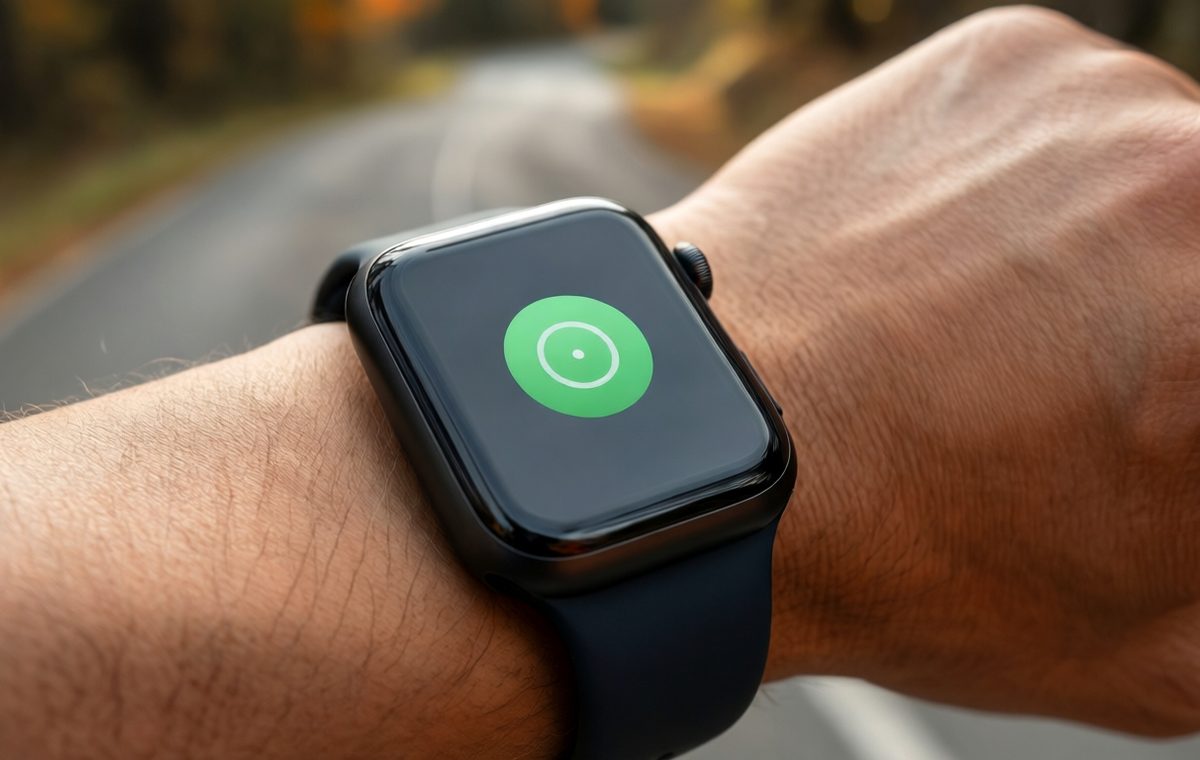
If you own a Wear OS smartwatch, you might have noticed a new green icon appear inside the Find Hub app on your wrist. It is called Find people, but despite the name, it does not let you track where your friends or family are from your watch. Instead, the feature lets others keep an eye on your location, especially when you leave your phone behind.
Google is rolling out Find people as part of an update to the Find Hub app on Wear OS. The update brings version 1.0.429.0 of Find Hub to the Play Store. If you have not seen the new option yet, check for app updates on your watch over the next few days.
A broadcast tool, not a tracker
What this means for Find people on Wear OS
Find people on Wear OS is not a two-way location-sharing tool. When you open the app on your watch, it shows you a list of people who can see your location and how long the sharing session will last. You will see names and a note that says they "Can see your location until you turn off" sharing.
If you want to look at a map and see where someone else is, the watch sends you back to your phone. The watch will show a button that says "View their location on phone." There is no map view on the wrist right now. It is not clear if this is the final design or if Google plans to add a small map later.
The main screen also has a Settings button that currently opens Google Play services in full, which seems like a bug rather than a finished feature.
LTE watches get the real benefit
The most useful part of Find people on Wear OS is for people with an LTE smartwatch. If you own a watch with its own cellular connection, your location can keep being shared even when you walk away from your phone. The watch uses its own GPS to continue broadcasting where you are.
Think about going for a run without carrying your phone. You can start sharing your location from your phone before you leave, and then your watch keeps that sharing alive on its own. The person you shared with can still see your location on their phone even though your phone stayed at home.
This makes Find people a practical safety feature for runners, hikers, or anyone who wants someone to know their whereabouts without carrying a phone.
How to set it up: Phone first, watch second
You cannot start sharing your location directly from the watch. When you first open Find people, if you have not set up location sharing on your phone, the app simply shows an "Open on phone" button. You have to go through your phone's Find Hub app to choose who can see your location and for how long.
Once you have done that on the phone, the watch app updates automatically. Your selected people appear under "Can see your location" along with the remaining time for each session.
This approach keeps the setup simple and avoids accidental sharing. Google designed the wearable version to be a passive display rather than a control center.
Tied into Google's existing location system
Find people on Wear OS uses the same Location Sharing system that Google already has in place across its services. This is the same underlying setup that people tracking uses inside Find My Device. If you already share your location with someone through Google Maps or Find My Device, you might see them listed in Find people without extra steps.
There is also a dedicated Location Sharing toggle on the watch. Turning it on for the first time brings up explanatory screens that explain how the system works. Turning it off stops the watch from sharing your location across Google apps. Google makes clear that revoking location permission from Find people alone will not stop Location Sharing from the device. You need to use the dedicated control to fully stop sharing.
Final verdict: Simple but smart for the right user: Find Wear OS
Find people for Wear OS is a focused update that does one thing and does it neatly. It is not a full location-sharing hub on your wrist. It is a broadcast tool that lets the people you trust keep track of you when your phone is not around. If you own an LTE watch and you leave your phone behind often, this feature becomes genuinely useful. For everyone else, it is a fast way to check who can see your location and how much longer they will have access.
To get started, open Find Hub on your phone, set up location sharing with someone, then check your watch for the new green icon. If you have not seen it yet, make sure Find Hub is updated to version 1.0.429.0 or later. This small update adds a practical layer of awareness and safety for the Wear OS community.