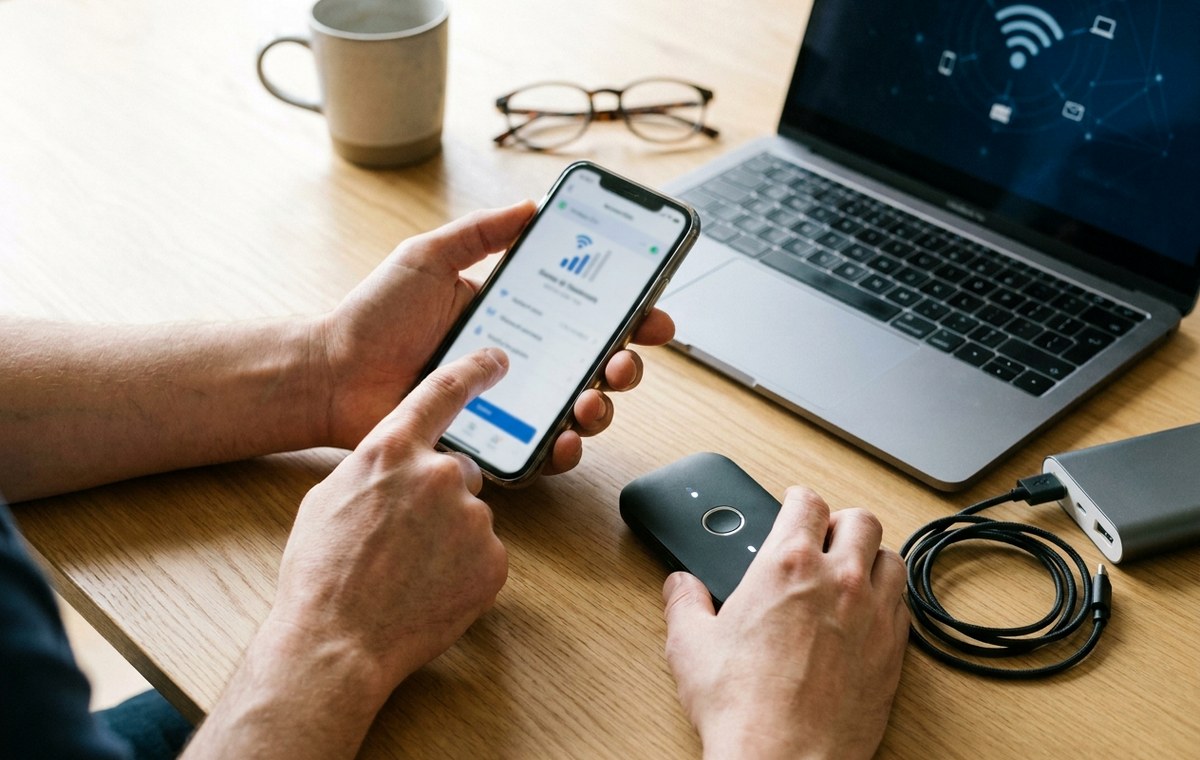
A phone creates location, usage, health, advertising, sensor, and account data throughout the day. This page explains where that information goes and which controls provide meaningful choices.
Mobile data and privacy at a glance
Three parts of mobile data and privacy
- The data a phone producesSome data keeps the device working, some synchronizes services, and some helps companies measure or target behavior.
- Controls that change the outcomePermission settings, advertising identifiers, cloud history, background access, and account dashboards control different layers.
- How MobileBurn reports data practicesWe name the data category, purpose, recipient, retention claim, and user control when that information is available.
Mobile data and privacy: The data a phone produces
Some data keeps the device working, some synchronizes services, and some helps companies measure or target behavior. Labels such as anonymous or diagnostic still need context about retention, combination, and who receives the record.
Mobile data and privacy: Controls that change the outcome
Permission settings, advertising identifiers, cloud history, background access, and account dashboards control different layers. Turning off one permission does not erase information already stored elsewhere.
Mobile data and privacy: How MobileBurn reports data practices
We name the data category, purpose, recipient, retention claim, and user control when that information is available. We also distinguish a policy promise from behavior demonstrated by technical research or enforcement action.
How Mobile data and privacy is maintained
When MobileBurn reviews this topic page
This topic page is updated as products ship, platform behavior changes, and stronger evidence becomes available. MobileBurn distinguishes company claims, outside reporting, clearly labeled direct observation, and editorial inference so an early announcement does not become a permanent fact by repetition.
Where to go after Mobile data and privacy
Choose the next page by the job you need to finish
Compare current devices in the phone directory, narrow a shortlist with the phone finder, or see the evidence behind our verdicts in how MobileBurn reviews phones. Editorial questions can be sent through the contact page.
Each destination has a different job: database pages support comparisons, guides explain a task, and policy pages document how the work is produced. Choosing the narrowest route reduces repeated searching and makes the next decision easier to verify.