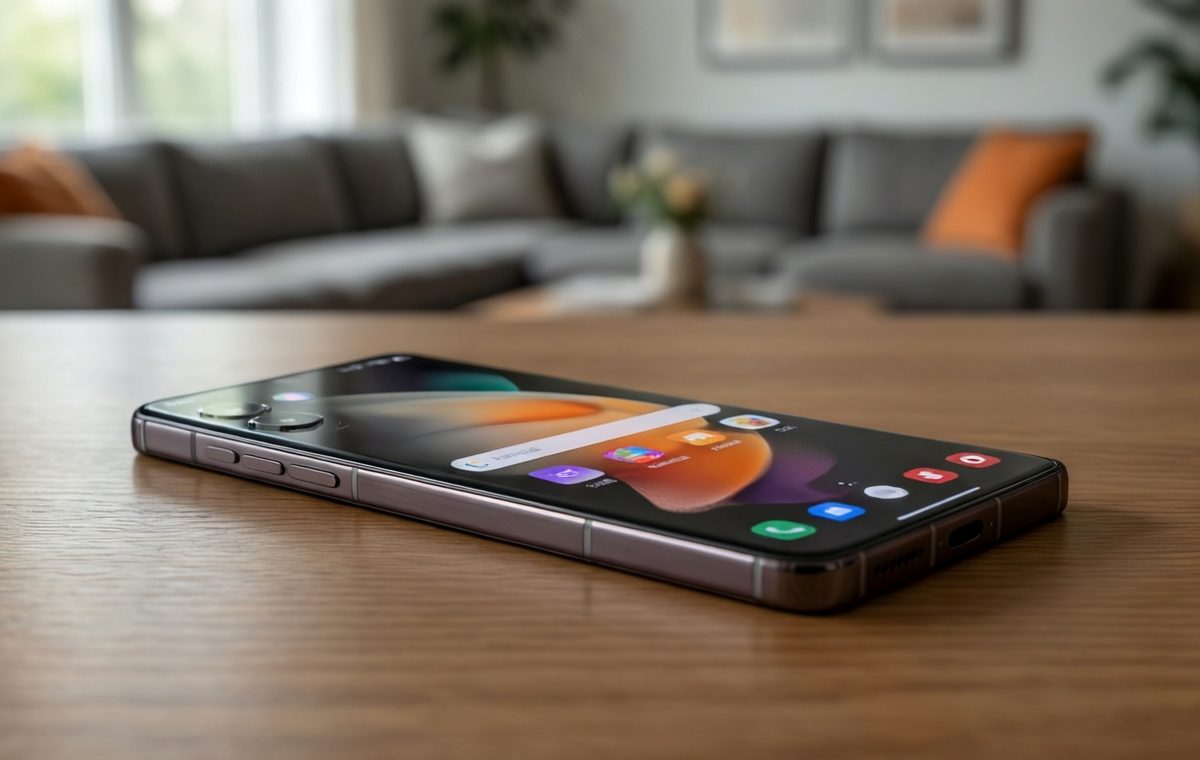
Summary of One UI 9 Beta 2 for Galaxy S24: New Features You’ll Want to Try
- Samsung is rolling out the second One UI 9 beta for the Galaxy S24 series, bringing features from the Galaxy S26 and Z Fold 8.
- New additions include My FanCam for picture-in-picture selfies and Now Nudge for smart reminders.
- The beta is a test version, so expect bugs and shorter battery life; back up your data before installing.
- The final stable release should arrive soon, but you can try the beta now if you’re on the program.
One UI 9 Beta 2: What’s New for the Galaxy S24
If you own a Samsung Galaxy S24, you might have noticed a new software update landing on your phone this week. Samsung has started rolling out the second beta of One UI 9 for the Galaxy S24 series. This is a big deal for anyone who likes to try new features before they become official. The beta brings a handful of tools that were first seen on the upcoming Galaxy S26 and the Galaxy Z Fold 8.
One UI 9 is Samsung’s next major version of its Android skin. It changes how your phone looks and behaves. The second beta is not a final release. It is a test build. That means it may have bugs, but it also gives you a sneak peek at what’s coming. If you are on the first beta, you can update to this one right now. If you have not joined the beta program yet, you might need to wait for an invitation or check Samsung’s community forums.
In this article, I’ll walk you through the new features, what they do, and what you should consider before installing the beta. I’ll also point you to some useful guides if you want to learn more about your phone or compare it with other models.
My FanCam and Now Nudge: Two Standout Additions
What this means for One UI 9 Beta 2 for Galaxy S24
The second beta is not a huge overhaul. Instead, it’s a focused update that adds a few standout features from Samsung’s newest phones. Two of the most talked-about additions are My FanCam and Now Nudge.
My FanCam is a camera feature that uses the phone’s front camera to let you take a selfie while recording a video with the rear camera. It’s like having a picture-in-picture view of yourself in the corner of the screen. This is handy for vloggers, streamers, or anyone who wants to show their face while filming something else. The feature was first seen on the Galaxy S26, and now it’s coming to the S24 series.
Now Nudge is a notification tool that learns your habits. It can gently remind you about things you often forget, like an upcoming meeting or a package delivery. Instead of a loud alert, it sends a small nudge that appears on your lock screen or notification shade. The idea is to help you stay on top of your day without being annoying.
Other Z Fold 8 Features in the Beta
Besides My FanCam and Now Nudge, the beta includes other features that were originally introduced with the Galaxy Z Fold 8. These are small but useful improvements that make the phone feel more polished.
- Better multitasking: The Z Fold 8’s app pair layouts are now available on the S24. You can open two apps side by side more easily.
- Enhanced lock screen: New clock styles and notification widgets give your lock screen a fresh look.
- Smarter battery settings: The beta adds adaptive battery modes that learn your usage and adjust performance to save power.
- Improved gesture navigation: Swiping between apps feels more fluid, thanks to new animations.
These features are not all confirmed by Samsung in a single announcement, but they are part of the beta’s changelog as reported by industry sources. If you install the beta, you can see them for yourself.
Should You Install the Beta?
Before you jump in, it’s important to understand what a beta is. A beta is a test version of software. It’s not the final, polished release. That means you might see bugs, crashes, or apps that don’t work perfectly. Battery life could be shorter than usual, and some features might change or disappear before the final version.
If you rely on your phone for work or important tasks, you might want to wait for the stable release. If you’re a tech enthusiast who enjoys trying new things, the beta is a fun way to get a head start. Just make sure to back up your data before installing.
Also, keep in mind that the beta is only for the Galaxy S24 series. That includes the standard S24, the S24 Plus, and the S24 Ultra. If you have a different Samsung phone, you’ll have to wait for a future beta or the final release.
How to Learn More About Your Phone
If you’re curious about how the Galaxy S24 compares with other phones, you can use our phone comparison tool to see side-by-side specs. You can also check out our phone directory to browse all the latest models. For a deeper look at the S24’s hardware, visit our Galaxy S24 specifications and review page.
If you’re new to Android and want to learn the basics, our mobile guides cover everything from setting up your phone to managing notifications. And if you’re worried about security after installing a beta, our mobile security guides can help you stay safe.
What’s Next for One UI 9 on the S24
The second beta of One UI 9 for the Galaxy S24 series is a clear sign that Samsung is working hard to bring the best features from its newest phones to older models. My FanCam and Now Nudge are just the beginning. As the beta progresses, we can expect more refinements and maybe a few surprises.
If you decide to try the beta, remember to back up your data and be patient with bugs. If you prefer a stable experience, wait for the final release, which should arrive in the coming weeks. Either way, your Galaxy S24 is about to get a fresh new look and some smart new tools.
For more news and tips, keep an eye on our mobile news section. And if you’re thinking about upgrading, don’t forget to check our best phones list to see what else is out there.