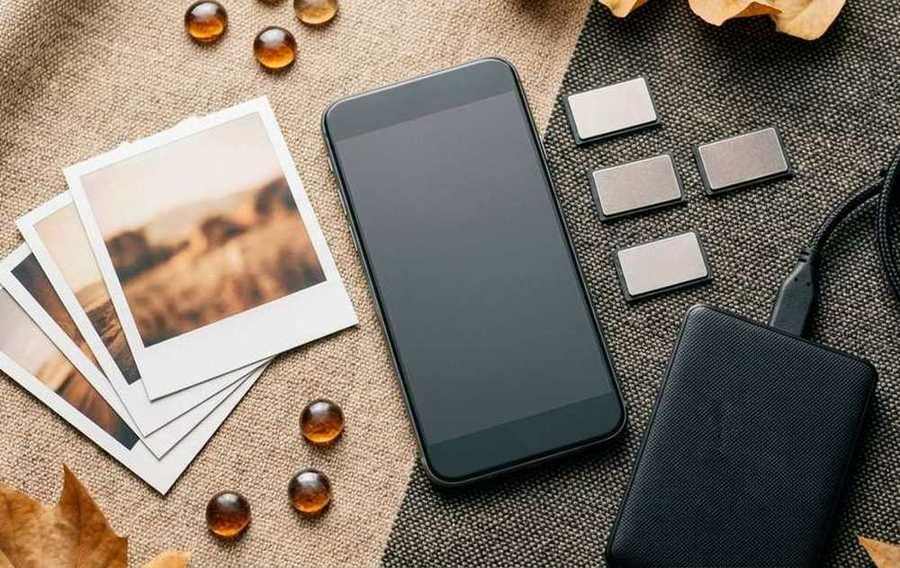
Summary of 128GB, 256GB, or 512GB? Buy the storage you will actually use
- A simple way to estimate photo, video, app, and offline-media needs before storage becomes an expensive mistake.
- Open the phone's storage settings and record space used by photos, video, apps, downloads, messages, system files, and offline media.
- Modern photos can range from a few megabytes to much larger high-resolution or raw files.
A simple way to estimate photo, video, app, and offline-media needs before storage becomes an expensive mistake.
Start with the storage already in use: 128GB, 256GB, or 512GB? Buy the storage you will actually use
Open the phone's storage settings and record space used by photos, video, apps, downloads, messages, system files, and offline media. Add content that is currently stored only in the cloud if you want it available locally on the next phone. This baseline is more useful than a generic recommendation because a person who records long video has a different need from someone who streams everything.
Photos and video grow faster than most people expect: 128GB, 256GB, or 512GB? Buy the storage you will actually use
Modern photos can range from a few megabytes to much larger high-resolution or raw files. High-frame-rate and high-resolution video consumes storage quickly, and editing apps may keep originals, previews, caches, and exported copies. Estimate a busy month, multiply it by the time between cleanups or backups, and leave room for camera upgrades that create larger files during the life of the phone.
Useful mobile advice is repeatable: it explains the condition, the change, the result, and the safest way back.
Apps, games, and offline media need working space: 128GB, 256GB, or 512GB? Buy the storage you will actually use
The download size shown in an app store may not include game assets, updates, documents, maps, music, podcasts, or video saved later. Creative and messaging apps build caches that can become large. Operating-system upgrades also need temporary free space to install safely. Plan for the content you want offline during travel or poor signal and avoid filling storage so completely that routine updates and camera capture become unreliable.
Quick check
- Back up anything you cannot replace.
- Change one setting or variable at a time.
- Test in the place and workload that matter to you.
- Keep a clear route back to the previous state.
Cloud storage changes the calculation, not the need for a backup: 128GB, 256GB, or 512GB? Buy the storage you will actually use
Cloud optimization can keep smaller device copies while originals remain online, but it depends on an account, subscription, connection, and correct synchronization. A mirrored cloud library may also copy deletions across devices. Decide what must remain available offline and maintain a separate backup for irreplaceable material. Cloud capacity should not be counted as though it were fast local storage for every app or workflow.
Choosing between 128GB, 256GB, and 512GB: 128GB, 256GB, or 512GB? Buy the storage you will actually use
Choose 128GB when current use is modest, cloud or computer offloading is routine, and large games or video are rare. Choose 256GB for a comfortable mix of photos, apps, offline media, and several years of growth. Choose 512GB or more for frequent high-resolution video, large games, creative projects, or long periods without offloading. Check usable capacity, upgrade price, and whether the phone supports removable storage before buying.
Use this advice with 128GB, 256GB, or 512GB? Buy the storage you will actually use
Put the guidance into practice with read mobile data-management guides, compare phone storage options, and filter phones by price and platform. Each page answers a different next question, so you can move from the principle to a shortlist or direct comparison.